
Laravel‑Lang Supply Chain Attack: What Happened and What To Do Now
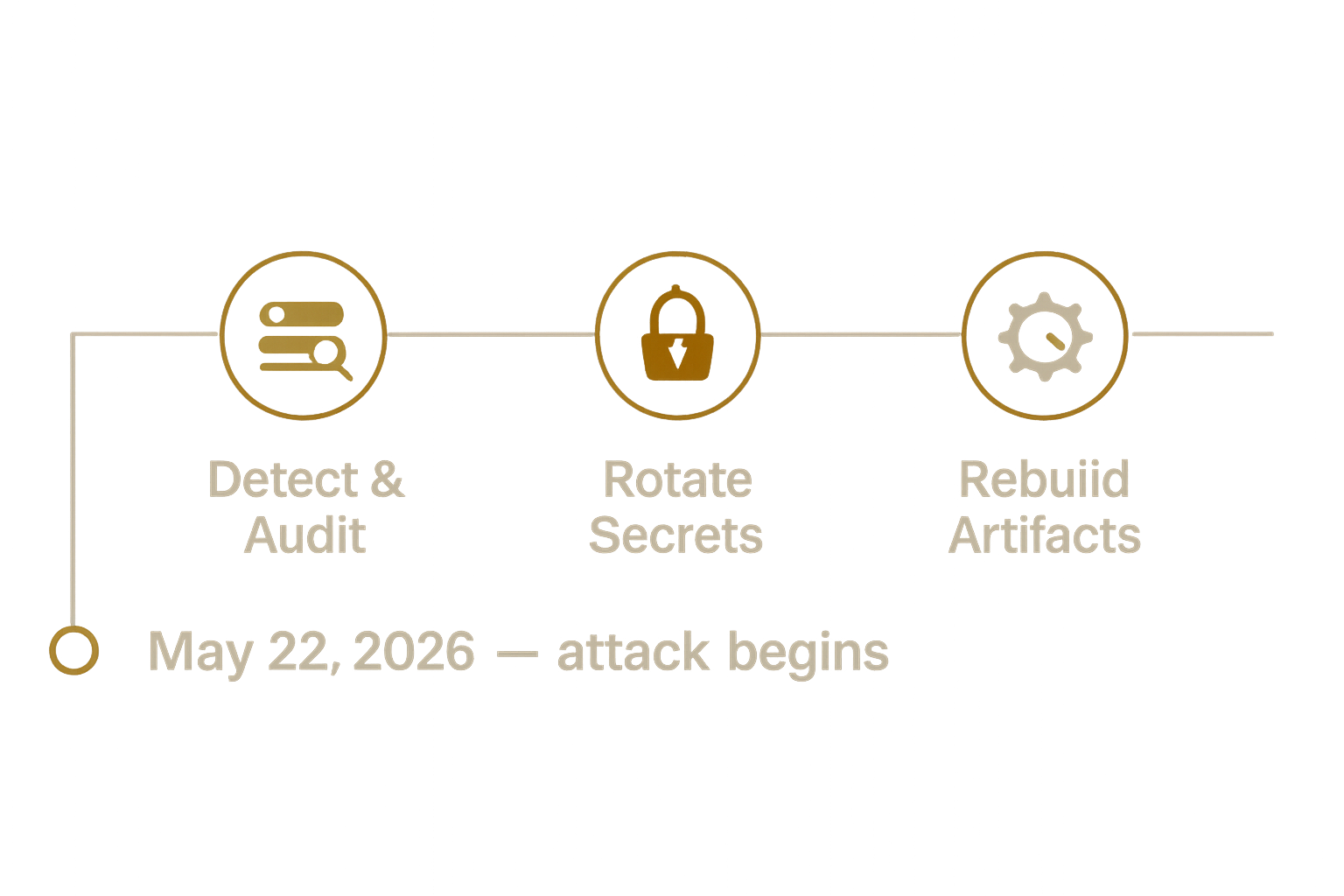
A targeted supply‑chain attack affected four popular Composer packages in the laravel‑lang ecosystem. Attackers rewrote Git tags so that Composer installations pulled malicious commits. Because some packages use Composer autoload features that include files at startup, the payload executed automatically and could scrape keys and tokens from application environments.
If you pulled any of the affected packages during the exploit window, assume compromise and act quickly. This post explains how the attack worked, immediate remediation steps, and practical hardening you can apply to reduce future supply‑chain risk.
Affected packages
- laravel-lang/lang
- laravel-lang/http-statuses
- laravel-lang/attributes
- laravel-lang/actions
How the attack worked (technical summary)
The high‑level chain of events we usually see in tag‑rewrite supply‑chain attacks:
- The attacker gained the ability to change Git tags or force tags to point at attacker‑controlled commits. Tags are how many PHP packages define release versions.
- Composer resolves a package version to a particular commit via the package metadata. If a tag is re‑pointed, the same version string can resolve to a different commit than before.
- Malicious PHP was added to the package and arranged to execute on load. Common vectors are:
- autoload.files entries in composer.json, which are required automatically by Composer’s autoloader, or
- a package service provider or helper file loaded early in a Laravel bootstrap.
- Because the malicious files are required during application startup, the payload runs without manual developer action and can exfiltrate credentials found in environment files, SSH agents, or local config.
Composer behaviors that mattered
- composer install respects composer.lock, but if the lock file references a VCS commit that was re‑pointed after the lock was generated (or if an environment used composer update during CI), the integrity guarantees can be bypassed.
- Installing from source (VCS) or from dist where tags have been tampered with can both be affected depending on how the package archive was produced.
Immediate steps if you pulled an affected package during the window
If you installed any of the affected packages during the exploit window (the public advisory and research timestamp the attack start at May 22, 2026), treat systems as compromised until proven otherwise.
- Isolate and preserve
- Immediately isolate affected hosts from the network where practical. Preserve filesystem and container images for later forensic analysis.
- Do not run destructive remediation steps until you’ve preserved logs, vendor directories, and composer.lock files for investigation.
- Run an audit
- On each environment, run
composer auditandcomposer show --lockedto list installed versions. Note packages and commit SHAs from composer.lock. - Manually inspect vendor/* for unexpected files or recent modification times.
- Verify commit hashes
- Check composer.lock for the resolved commit hash (the "source" entry for each package). If the lock references commits authored after May 22, 2026, and you did not create them, assume those commits were attacker controlled.
- If using a build artifact registry, verify the artifact was produced before the exploit window or rebuild from a trusted base.
- Rotate all secrets immediately
Because the malware is a credential stealer, assume any keys present on the machine were harvested and rotate them now:
- Cloud API keys (AWS, GCP, Azure)
- Database passwords stored in .env or secret stores
- All SSH keys accessible on the host
- CI/CD tokens (GitHub/GitLab/Jenkins) used by the build environment
- Any stored browser credentials or password manager vaults on developer machines that pulled the code
Rotate these in the cloud provider consoles or secret store portals and update deployments from clean images only after rotation.
- Rebuild from clean images
- If you confirm compromised commit hashes or find malicious files, rebuild containers and servers from known‑good base images and redeploy.
- Do not attempt to "clean" an infected host in place. With credential theft, recovery requires a full rebuild.
- Check outbound connections and logs
- Review egress logs, firewall logs, and any SIEM/agent data for suspicious connections originating from the time of compromise.
- Check CI logs to see whether the compromised dependencies were used in published artifacts.
- Notify stakeholders and rotate credentials held by third parties
- Notify your security team and upstream partners whose credentials might have been compromised (for example, any integrated services with long‑lived tokens).
Why this attack bypassed simple version pinning
Version strings (like v1.2.3) are labels that point to Git commits. If an attacker can reassign a label to a different commit, code that resolves that label can receive different content than expected. The safety of a pinned version depends on immutable, verified source references:
- A composer.lock entry with a specific commit SHA is generally safe—unless that SHA itself ended up pointing to another commit through repository rewriting or an attacker‑injected tag/commit history change.
- If your CI does an uncontrolled
composer updatein build or production, it creates a window where modified tags or newly published malicious versions can be pulled.
Short‑term and longer‑term protections (practical advice)
We separate this into immediate mitigations you should apply now, and longer‑term changes that reduce future supply‑chain risk.
Immediate mitigations
- Stop using
composer updatein CI or production builds. Usecomposer installand ensure your composer.lock is committed and authoritative. - Run
composer auditand pin or remove affected packages. If vendor code is suspect, rebuild artifacts from a clean environment. - Revoke and rotate secrets as described above.
- Run quick static scans for suspicious PHP code patterns in vendor directories (obfuscated strings, base64_decode + eval, network sockets created on load).
Medium / long‑term controls
- Build immutable artifacts in CI: run composer install in an isolated build container, archive the built artifact (Docker image or ZIP), and deploy the artifact rather than running Composer on production hosts.
- Use a private Mirror or repository cache (Private Packagist, Satis, or an internal proxy) to control which package versions are available to your builds.
- Pin packages to commit SHAs in composer.json when you need extra assurance, and use that only after manual review.
- Use reproducible CI builds and include a Software Bill of Materials (SBOM) for each artifact so you can quickly identify impacted releases.
- Implement egress filtering and monitoring so unexpected outbound connections are easier to detect.
- Hardening: run Composer with --no‑scripts in build steps where possible, and avoid autoload.files patterns that pull arbitrary code at startup in custom packages.
- Regular dependency vulnerability scanning and scheduled dependency reviews—not just ad hoc updates.
| Protection | When to apply | Why it matters |
|---|---|---|
| Immutable CI builds (artifact deploy) | Immediately | Prevents runtime package changes and limits attack surface on production hosts |
| Private package mirror | Short term | Controls what package versions CI can pull and allows quick revocation of bad versions |
| Composer --no‑scripts (where safe) | Medium term | Stops Composer lifecycle scripts from running unexpectedly during install |
| Pin to commits / SBOM | Long term | Provides reproducible, auditable builds and quicker incident triage |
Summary: start with isolation, auditing, and secret rotation now. Then move CI and deploy processes to artifact‑based workflows and package mirroring to reduce future exposure.
Why many Veno Ninja projects had reduced risk (what we do differently)
We avoid claiming absolute immunity, but the engineering choices we recommend and apply to our projects reduce the attack surface for this type of supply‑chain compromise:
- Immutable build artifacts: we run dependency resolution inside isolated CI containers, bake the vendor directory into Docker images, and deploy images rather than running composer on production hosts. That limits the chance of a malicious package executing on a running server after deployment.
- Locked builds: our CI uses committed composer.lock files and explicitly forbids running composer update during automated builds.
- Private caching: where appropriate we mirror third‑party packages in a controlled cache so builds only use vetted packages.
- Principle of least privilege for CI secrets: build tokens are short‑lived and stored in secure vaults; runtime environments do not hold CI tokens.
Those practices do not make a project invulnerable, but they materially reduce the windows where a tampered package can run in production.
Practical checklist for teams (actionable)
- Run composer audit and inspect composer.lock commit SHAs.
- If you find compromised hashes, isolate the host and preserve evidence.
- Rotate all secrets that could have been present on the host.
- Rebuild images from a clean base and redeploy only after rotation.
- Add detection: egress monitoring, outbound firewall rules, and alerts for suspicious composer changes in CI logs.
- Add package mirroring and switch to artifact‑based deploys over time.
FAQ
How do I tell if my composer.lock was affected by the attack?
Look at the source or dist entries in composer.lock for the affected packages and note the commit SHA and timestamp. If the commit date is after May 22, 2026, and you did not produce it, treat it as suspect and preserve the artifact for forensics.
If I only ran composer install, can I still be infected?
Yes. If the resolved commit or package archive was already tampered with when composer install ran, malicious code could be installed and executed. The safe path is to audit the lockfile SHAs and rebuild from trusted images.
Should I delete my deploy keys and rotate them? Which ones?
Rotate any keys and tokens that were present on the affected machine: deploy SSH keys, cloud provider keys, database credentials, and CI tokens. Assume theft unless you can prove otherwise.
Is vendor code safe if I install from dist (ZIP) rather than source (VCS)?
Dist archives are only safe if they were generated from the correct commit. If a tag was re-pointed before the archive was created, the ZIP can still contain malicious code. Prefer trusted mirrors or pinned commit SHAs.
What development workflow changes should we prioritize this week?
Start by banning composer update in CI, enabling artifact builds, and running composer audit across active projects. Those steps provide the best risk reduction quickly.
Closing notes and next steps
Supply‑chain compromises are now a part of managing modern applications. The immediate priority is containment, secret rotation, and rebuilding from trusted images. Follow the checklist above, and consider moving to artifact‑based deployments and private package mirrors as soon as feasible.
If you'd like help auditing your Laravel applications, verifying composer.lock integrity, or designing an immutable CI artifact pipeline, our team can help. See examples of our work on project examples and learn about the services we offer on our services page. If you need an incident review, contact us and we can schedule a technical assessment.